
Client Skin Changer for Supported Titles
Weapon skins and outfits, drawn on this PC, without a separate purchase for each cosmetic.
Library
The finish library on this PC
Premium weapon skins are in the library. So are outfits and knife styles, inside supported games. Each item is not its own purchase.
4 cosmetic rows continue lower on this page.
Overview
Finishes drawn here, not bought one by one
Where the finish is drawn, what stays out of your inventory, and how to check a title before checkout.
Skin Changer draws premium weapon skins onto supported games. Outfits and knife variants are in that same library. You do not buy each cosmetic on its own.
The picture stays on your machine. It is not written to the account inventory. The 31 day cosmetic plan is $35. Lifetime for that library is $150. One library is shared by both plans. Before you purchase, ask support to confirm the title.
What the client draws
This lightweight client draws premium weapon skins. Character outfits are drawn too. Rare knife variants are drawn in supported games. Those cosmetics do not each need a separate purchase. A finish is not a real good.
Seen on your display alone
The look stays on your display. Inventories do not gain items. Trading stays impossible. Closing the client removes the visuals. Other players are not expected to see the finish.
The supported list can move
Major games are listed today. A patch can take an entry off that list. A Windows update can change that list too. Before a purchase, ask support whether your title is still on that list. A cosmetic client can still conflict with game terms and can lead to account action.
PC setup for the cosmetic client
Windows 10 or 11 is required, with HVCI and Core Isolation on, and with TPM and Secure Boot on. After purchase you also need loader access.
Groups
Cosmetic groups
These finish types are available once the cosmetic license is active.
- Presets for premium weapon finishes
- Presets for character outfits
- Presets for rare knife styles
- Coverage across major titles
- A lightweight client on this PC
- Cosmetic drawing on this screen only
- Monthly and lifetime cosmetic licenses
- Windows 10 and Windows 11 support
When access arrives
Shots, then portal access
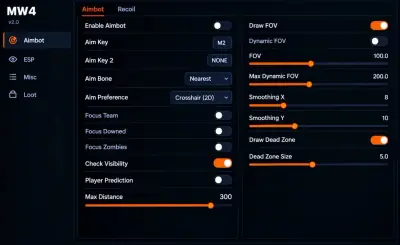
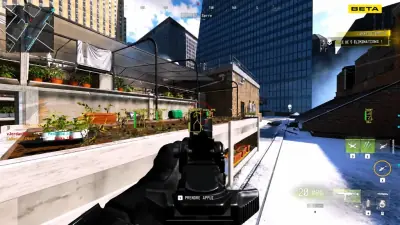
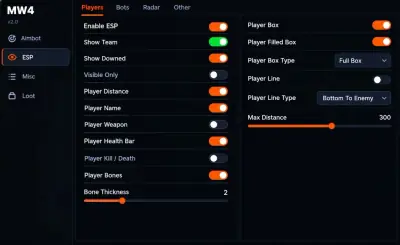
Shot notes stay on the left side. The right side covers portal access, then how the menu is set up.
Shots
- Layer A
Cosmetic mark
Weapon finishes, character outfits, and knife styles are drawn on your screen alone.
More products
Pairs well with
The catalog beside this cosmetic client, with a separate page for each license.
- Modern Warfare 4 Cheats From $35 Aimbot, silent aimbot, ESP, wallhack, no recoil, God Mode, infinite ammo, and speedhack. Monthly is $35 for 30 days. Lifetime is $150. View details
- HWID Spoofer From $50 After a hardware flag, this license rewrites disk serials. It also rewrites MAC addresses, GPU IDs, and related fingerprints. Trace cleanup is in the same license. View details
- UGC From $35 Unban & Governance Control (UGC) includes template appeals. It also files disputes on its own when a login is limited, and that work is not tied to one platform. View details
FAQ
Questions about this page
Answers for this page. The FAQ page holds the rest.
Blog
Related guides
Filter by topic to find setup guides, feature deep-dives, and patch-day notes.
What a skin changer is, what ours offers, how much it costs and what to confirm about Modern Warfare 4 support before you buy.
A practical checklist for anyone about to buy Modern Warfare 4 cheats, covering PC requirements, delivery, support and what to confirm before checkout.
Step by step help for checking and enabling TPM 2.0 and Secure Boot so Modern Warfare 4 will let you play online on PC.
Modern Warfare 4 community forum
Read discussion
Archived, read-only threads on loader setup, ESP configs, patch status, and HWID bans. Replies are closed.
- Features & Customization Do skin changers make cosmetics visible to everyone or only on your own screen? A cosmetic feature discussion focused on local display versus other players' views, with a reminder not to assume support for a game that the product page does not explicitly list.
- Setup & Support HVCI, Core Isolation, TPM and Secure Boot are listed as requirements. Should I change them? If a product lists Windows security requirements, verify them in its official documentation and do not disable protections just to force compatibility.
- Product Questions Monthly vs lifetime licenses: what should I compare before choosing? Compare license terms and what happens if support or compatibility changes; don't assume "lifetime" means guaranteed forever under every condition.